


Mobile App

Download the u888bet App – Full Mobile Gaming for Philippine Players

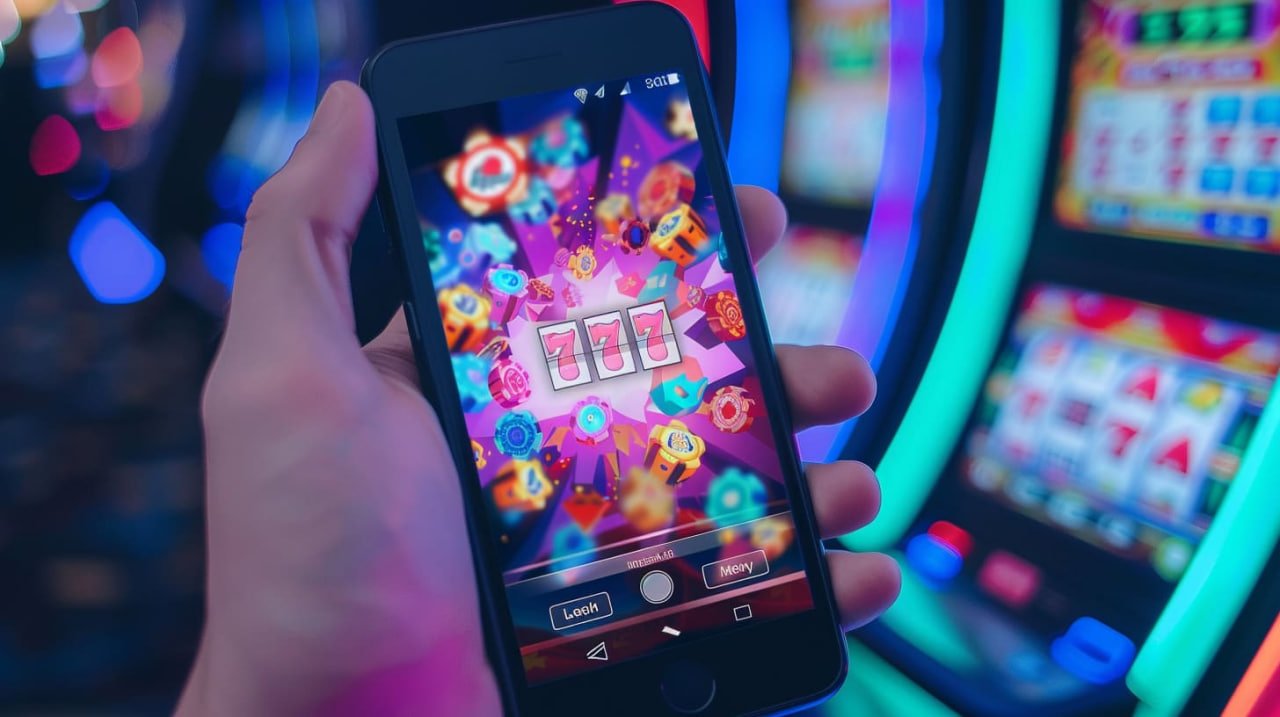
Get everything u888bet offers on your phone. Live casino, sports betting, slots, and eBingo — all in one app optimised for Philippine mobile networks. Fast to install, easy to use, and available 24/7.

u888bet

Android
APK Available Now
Free
No Cost to Download
SSL
Encrypted & Secure
24/7
Always Accessible

Choose Your Platform

The u888bet app is available for Android devices. iPhone and iPad users can access the full platform directly through the Safari mobile browser without needing to download anything.

🤖
Android App (APK)
Latest Version Available
  • Requires: Android 6.0 or higher
  • Storage: Approximately 40–60 MB
  • Connection: Mobile data or Wi-Fi
  • Security: SSL-encrypted, OTP verification supported
  • Updates: Auto-notified within the app
  • Push alerts: Live session & promotion notifications
Register to Access Download Login to Get APK Link
🌐
Mobile Browser (iOS & Android)
No Download Required
  • iOS: Safari on iPhone & iPad (iOS 13+)
  • Android: Chrome, Firefox, or any modern browser
  • Storage: Zero — runs entirely in your browser
  • Security: Same SSL encryption as the app
  • Updates: Always the latest version automatically
  • Tip: Add to Home Screen for app-like access
Open in Browser – Register Now Already a Member? Login
u888bet

How to Install the u888bet App

Follow the steps below for your device type. The Android APK takes about two minutes to install from start to finish.

1

Register or Log In to Your u888bet Account

Before downloading the APK, make sure you have a registered u888bet account. The APK download link is available inside your account dashboard after logging in.

2

Enable "Install from Unknown Sources"

Since the u888bet APK is not distributed through the Google Play Store, you need to allow your Android phone to install apps from external sources. Go to Settings → Security → enable "Unknown Sources" or "Install Unknown Apps" — the exact menu name varies by Android version and phone brand.

3

Download the APK File

Inside your u888bet account, go to the Download section and tap the Android APK download link. The file is small (around 40–60 MB) and downloads quickly even on mobile data. Wait for the download to complete before proceeding.

4

Open the APK and Install

Open your phone's file manager or tap the completed download notification. Tap the APK file and confirm the installation when prompted. The process takes about 30 seconds on most Android devices.

5

Log In and Start Playing

Once installed, open the u888bet app from your home screen. Log in with your existing account credentials. All your balance, bonuses, and account settings are already there — nothing needs to be transferred.

1

Open Safari on Your iPhone or iPad

The u888bet platform works best on Safari for iOS. Open Safari and navigate to u888bet.pw. The site automatically detects your device and loads the mobile-optimised version.

2

Log In or Register

Sign in with your u888bet account, or register for the first time directly through the mobile browser. The registration process and all features work identically to the desktop site.

3

Add to Home Screen for Quick Access

Tap the Share icon at the bottom of Safari, then select "Add to Home Screen." This creates a shortcut that opens u888bet in full-screen mode — behaving just like an installed app without taking up storage space.

4

Enable Notifications (Optional)

When prompted, allow browser notifications to receive updates on live casino sessions, jackpot events, and new promotions at u888bet. You can manage notification preferences in your Safari settings at any time.

5

Play Directly in the Browser

All game categories — live casino, sports betting, slots, and eBingo — are fully accessible through the mobile browser. No limitations compared to the Android app in terms of game availability.

1

Open Any Modern Browser

u888bet works on Chrome, Firefox, Edge, and Safari on desktop computers. No plugin or extension is required. Just navigate to u888bet.pw in your browser's address bar.

2

Register or Log In

Create a new account or log in with your existing credentials. If you already have an account from the mobile app, use the same login — your account works across all platforms seamlessly.

3

Navigate to Your Game Category

Use the main menu to go to Live Casino, Wins (slots), Bingo, or Sports. The desktop interface gives you a larger view of live dealer tables and more detailed sports betting odds displays.

4

Bookmark for Easy Return

Press Ctrl+D (or Cmd+D on Mac) to bookmark u888bet.pw in your browser. This gives you one-click access for future sessions without having to retype the address each time.

u888bet

What You Get with the u888bet App

The u888bet mobile app is built for how Filipino players actually use their phones — on the go, on mobile data, and often during live events.

Fast Load on Mobile Data

The app is optimised for Philippine mobile networks, including Smart, Globe, and DITO. Pages and live casino streams load quickly even on standard LTE connections outside Metro Manila.

Secure Login with OTP

Every login session is protected by OTP verification via SMS or your registered mobile number. SSL encryption keeps your personal data and account balance information private at all times.

Push Notifications

Get notified about upcoming eBingo jackpot sessions, live casino room openings, and new promotions at u888bet without having to check the site manually. Manage which alerts you receive in settings.

Full Game Access

Every game category available on desktop is accessible in the app — live casino tables, slot machines, sports betting markets, and eBingo rooms. No features are locked to desktop-only access.

Deposits & Withdrawals in PHP

Manage your entire account in Philippine Peso through the app. Check your balance, initiate deposits via bank transfer or mobile banking, and submit withdrawal requests — all from your phone.

Automatic App Updates

When a new version of the u888bet app is available, you'll receive a notification inside the app. Updates include performance improvements, new features, and security patches — keeping your experience current.

App vs. Mobile Browser vs. Desktop

Not sure which way to access u888bet? Here's a quick side-by-side comparison to help you decide.

Feature Android App Mobile Browser Desktop Browser
Installation Required APK Download None None
Push Notifications Yes Browser Only Browser Only
Live Casino Access Full Access Full Access Full Access
Sports Betting Full Access Full Access Full Access
eBingo Rooms Full Access Full Access Full Access
Optimised for PH Networks Best Good Good
iOS (iPhone / iPad) Support Not Available Full Support Full Support
Storage Space Used ~50 MB Zero Zero
Auto-Updates In-App Notification Always Current Always Current
u888bet

Why Mobile Access Matters for Filipino Players

The way most Filipinos access the internet has shifted dramatically over the past several years. Whether you're in Manila's business districts, a residential neighbourhood in Quezon City, or a quieter area in Davao, the primary device for most people is a smartphone — not a laptop or desktop computer. This is the reality that shapes how u888bet has built its mobile experience.

The u888bet app is designed around Philippine usage patterns. That means lighter data consumption for live casino streams, fast-loading sports betting pages during peak hours when PBA games are on, and an eBingo interface that works smoothly even on older mid-range Android devices common in the Philippine market.

Android APK – What You Need to Know Before Installing

Because the u888bet app is distributed as a direct APK rather than through the Google Play Store, there are a couple of things worth understanding before you install. First, this is a deliberate distribution method — many online gaming platforms in Southeast Asia and the Philippines operate the same way, as Google Play's policies around real-money gaming apps are restrictive.

Second, enabling "Install from Unknown Sources" on your Android phone does not make your device permanently vulnerable. Once the u888bet APK is installed, you can turn that setting back off if you prefer. The APK itself is the same app that would appear on a store — it's just delivered directly. Always download the APK from your logged-in u888bet account page to ensure you're getting the legitimate file and not a third-party copy.

iOS Users – The Browser Experience Is Fully Capable

iPhone and iPad users don't need to feel like they're getting a second-tier experience. The u888bet mobile web platform is genuinely full-featured on Safari for iOS. Every game available in the Android app is accessible through the browser, including live dealer tables, sports markets, slot machines, and all eBingo rooms.

The "Add to Home Screen" feature in Safari is a particularly useful option. Once added, the u888bet shortcut opens in full-screen mode — no browser address bar, no navigation buttons taking up screen space — making it visually and functionally very close to a native app experience, without any installation or storage use required.

Account Security on Mobile

When you log in to u888bet through the app or mobile browser, your session is protected by SSL encryption. OTP verification adds another layer — you'll receive a one-time code via SMS to confirm your identity during login or when making account changes. This is standard security practice and helps ensure that only you can access your account even if your phone is lost or your password is compromised.

For additional account security, u888bet recommends using a unique password that you don't reuse across other sites, and enabling any two-factor verification options available in your account settings. Your balance, personal information, and transaction history are all secured under these protections.

Deposits and Withdrawals Through the App

The full financial side of your u888bet account is accessible through the mobile app. You can top up your balance in Philippine Peso via local bank transfer or mobile banking directly from your phone. Withdrawal requests can also be submitted through the app and are processed in PHP.

For a detailed breakdown of how the withdrawal process works — including processing times and any minimum amounts — visit the Withdrawal page. Managing your entire gaming budget through the app is straightforward and doesn't require switching to a desktop at any point.

Keeping the App Updated

u888bet periodically releases updates to the Android app that include performance improvements, new game integrations, security patches, and interface refinements. When an update is available, you'll see a notification within the app itself. Updates are downloaded and installed the same way as the original APK — a quick process that doesn't require you to re-enter your login credentials or lose any account data.

If you're using the mobile browser version, updates are handled server-side — you always access the latest version automatically without any action required on your end.

Download & App FAQ

The most common questions players ask about the u888bet app and mobile access.

The u888bet Android app is distributed as a direct APK download from your account dashboard, not through the Google Play Store. This is common for online gaming platforms in the Philippines and Southeast Asia. For Apple devices (iPhone and iPad), there is no App Store version — iOS users access the full platform through Safari's mobile browser, which provides a complete gaming experience without any installation.

Enabling "Install from Unknown Sources" is safe when you're installing a specific file you trust — in this case, the APK from your own u888bet account. Always download the APK directly from your logged-in account to ensure it's the official file. Once the installation is complete, you can disable the setting again in your phone's security menu if you prefer. Never install a u888bet APK from third-party websites or links shared via chat.

No. Your u888bet account works across all access methods — the Android app, iOS browser, and desktop browser all connect to the same account. Your balance, transaction history, bonuses, and preferences are the same regardless of which device or access method you use. Just log in with your usual credentials.

When a new version is available, you'll see an update notification inside the app itself. Tap the notification to download and install the updated APK — the process follows the same steps as the original installation. Your account data, login credentials, and settings are preserved through updates. You don't need to uninstall the current version first unless the update notice specifically instructs you to do so.

The u888bet app supports Android 6.0 and above, which covers the majority of Android devices currently in use across the Philippines, including many older mid-range models. If your phone is running Android 5.x or earlier, accessing u888bet through your phone's mobile browser (Chrome) is a reliable alternative that doesn't require the APK.

Yes. The full account management section is available through the u888bet mobile app, including deposit and withdrawal functions. All transactions are in Philippine Peso (₱ PHP) and are processed through local bank transfer or mobile banking. For details on withdrawal processing and requirements, visit the Withdrawal page.